Everything in One QR Code
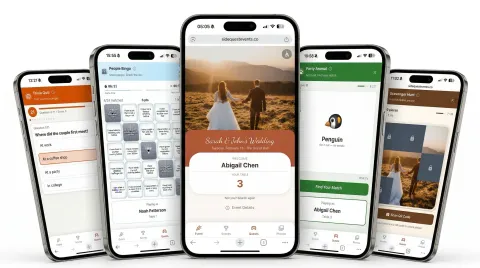
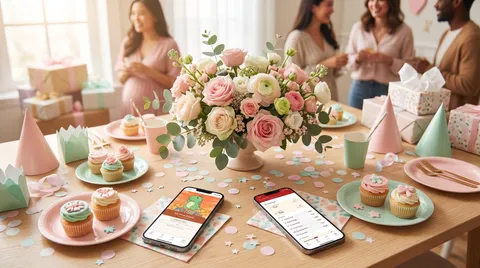
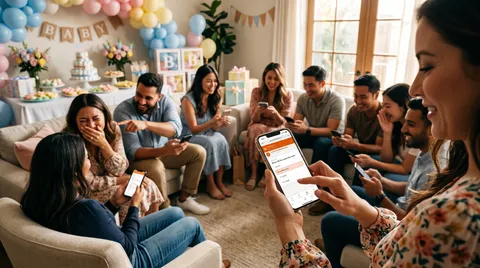
Put the QR code on the invitation or text the link. Guests scan the QR code to join — no apps for guests to download or accounts to create. They land on your shower's own page: the details, the games, the photo album.
Games That Get Everyone Mingling
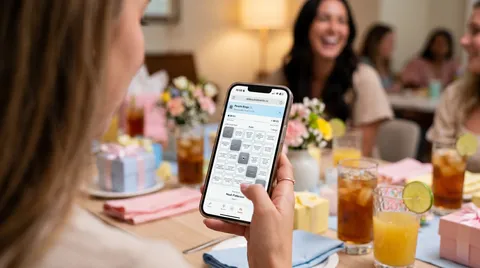
Baby Trivia about the parents-to-be, People Bingo that gets guests out of their seats, Word Clouds for baby name ideas or wishes — every game is designed to spark conversations, not just fill time.
A Shared Photo Wall for the Day
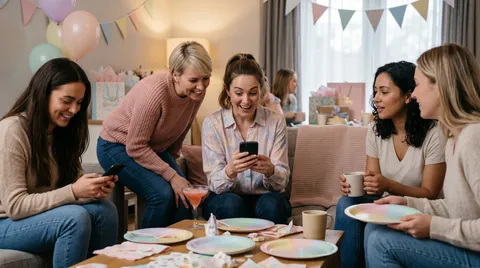
Every guest becomes a photographer. Photos appear instantly on a shared wall — browse the best moments, heart your favorites, and save the keepers. One album, built by everyone.
What's Behind the QR Code
One QR code, from the first RSVP to the last photo.
 FROM THE BLOG
Zero-Prep Baby Shower Ice Breakers That Keep Your Guests Engaged
No printing, no scoring, no awkward silences — just baby shower games your guests will actually love.
Your Guest Hub Is Live in 30 Seconds.
Get your shower page up and running in seconds
Create a Free Account
Sign up with Google, Facebook, or email — one tap and you're in
Fill In Your Details
Add the address, the schedule, and your FAQs, then pick your colors and fonts
Share One QR Code
Guests scan the QR code, type their name, and everything is right there
Start for Free
All games included. Upgrade only if you need more than 100 guests.
Free
No credit card required
$0
Up to 100 guests
Perfect for intimate baby showers and sprinkles
Large Event Upgrade
One-time payment
$99
Unlimited guests
For your big celebration
Frequently Asked Questions
Display a QR code at the shower or text a link before the party. Guests scan or tap, enter their name, and they're playing. No app download, no account creation — works on any phone in seconds.
Everything behind one QR code: your own shower page (the address, the schedule, your FAQs), RSVP collection, group chat with host announcements, a shared photo and video album with a full-screen slideshow, a live scoreboard, and all five games.
Every plan includes Baby Trivia (custom questions about the parents-to-be), People Bingo (guests submit five facts about themselves, then work out whose facts fill their card), Word Cloud (collect baby name ideas or wishes), Photo Wall (a shared photo and video album built by your guests), Scavenger Hunt (QR-based challenges around the venue), and Party Animal (act out a secret animal — sounds and movements encouraged, just no words).
Nothing at all. Everything runs on guests' phones. No printed bingo cards, no answer sheets, no scoring by hand. You set it up once and the games run themselves — so you can actually enjoy the shower.
SideQuest is free for baby showers with up to 100 guests — all games and features included, no credit card required. If your shower has more than 100 guests, you can upgrade for $99 (one-time) for unlimited guests.
Write your own info sections (the address, the schedule, your FAQs), set your colors and fonts, then create custom trivia questions about the parents-to-be and Word Cloud prompts for baby name suggestions or parenting advice. People Bingo needs no setup at all — the cards build themselves from the facts your guests submit.
Guests need an internet connection (WiFi or mobile data) on their phones. Most venues have WiFi, and cellular data works fine too. The games are lightweight and work well even on slower connections.
Yes — share the link in a video call chat and everyone can play together in real time. The leaderboard updates live, so remote guests get the same competitive energy as in-person ones.
All event data — including photos, guest names, and scores — is automatically deleted 180 days after your event. You'll have plenty of time to download photos you want to keep. We don't sell data or use it for advertising.
Make It a Shower They Remember
Check out SideQuest for parties, weddings, and team building. Visit our blog for event ideas.